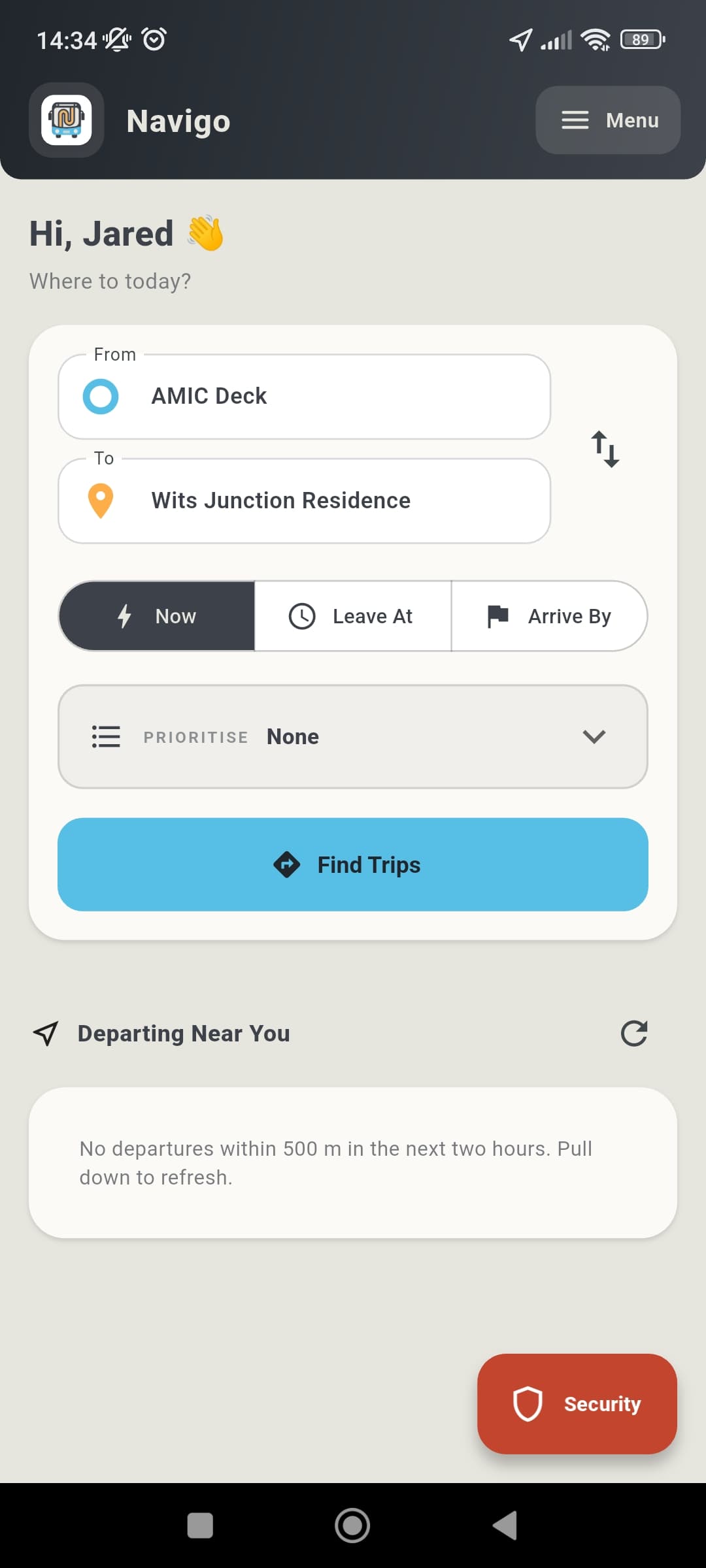
Trip planner
Plan a campus trip, check nearby departures and keep campus security one tap away.
Navigo is the Wits bus app: it plans your shuttle trips door-to-door, shows the current bus schedule and next departures near you, and reminds you before the bus leaves — all computed on your phone. Even in a basement lecture hall with zero signal.
Just need the Wits bus schedule?Real app screens
The product experience is shown with real mobile screens from the trip planner, route map, reminders, guidance, lost and found and campus security flows.
Plan a campus trip, check nearby departures and keep campus security one tap away.
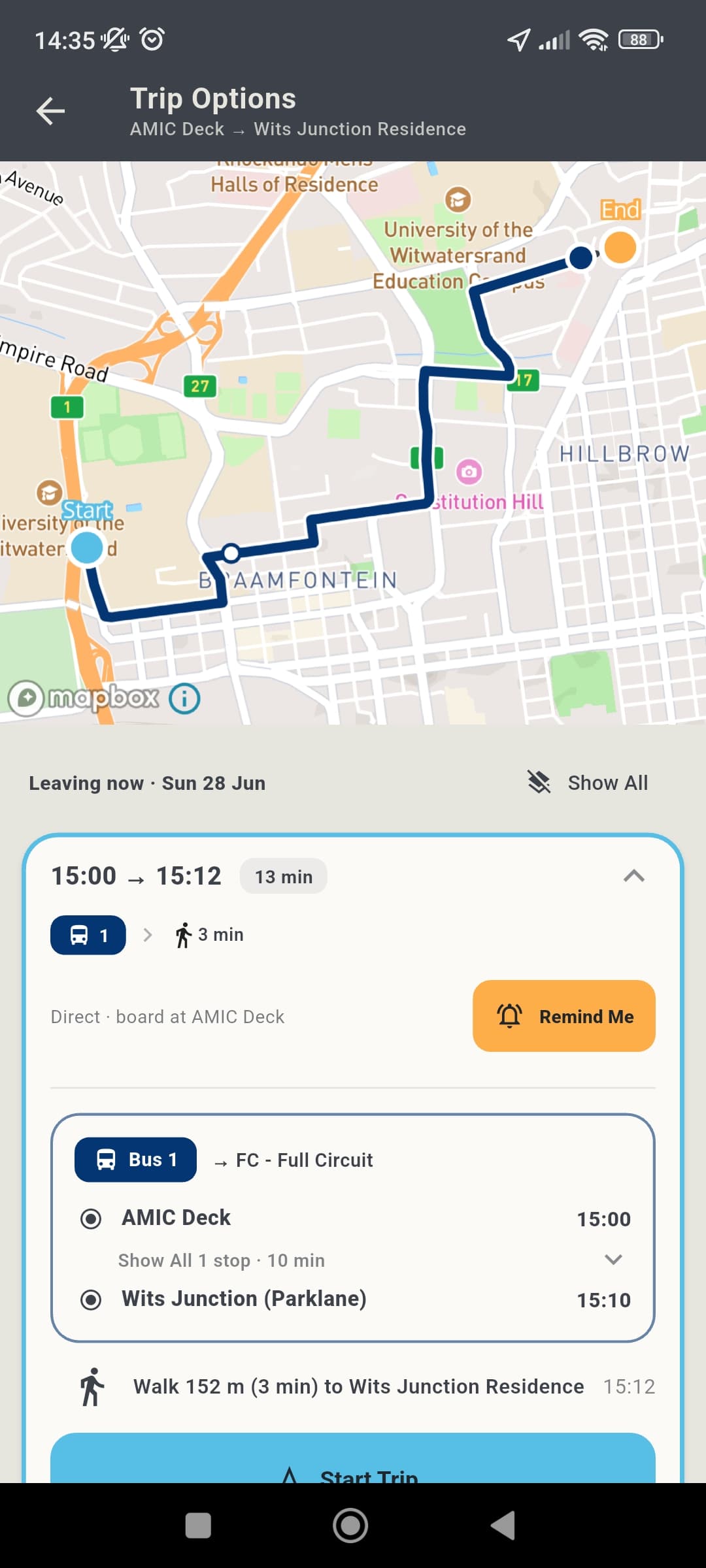
Compare departure times on a route map with stop details and walking time.
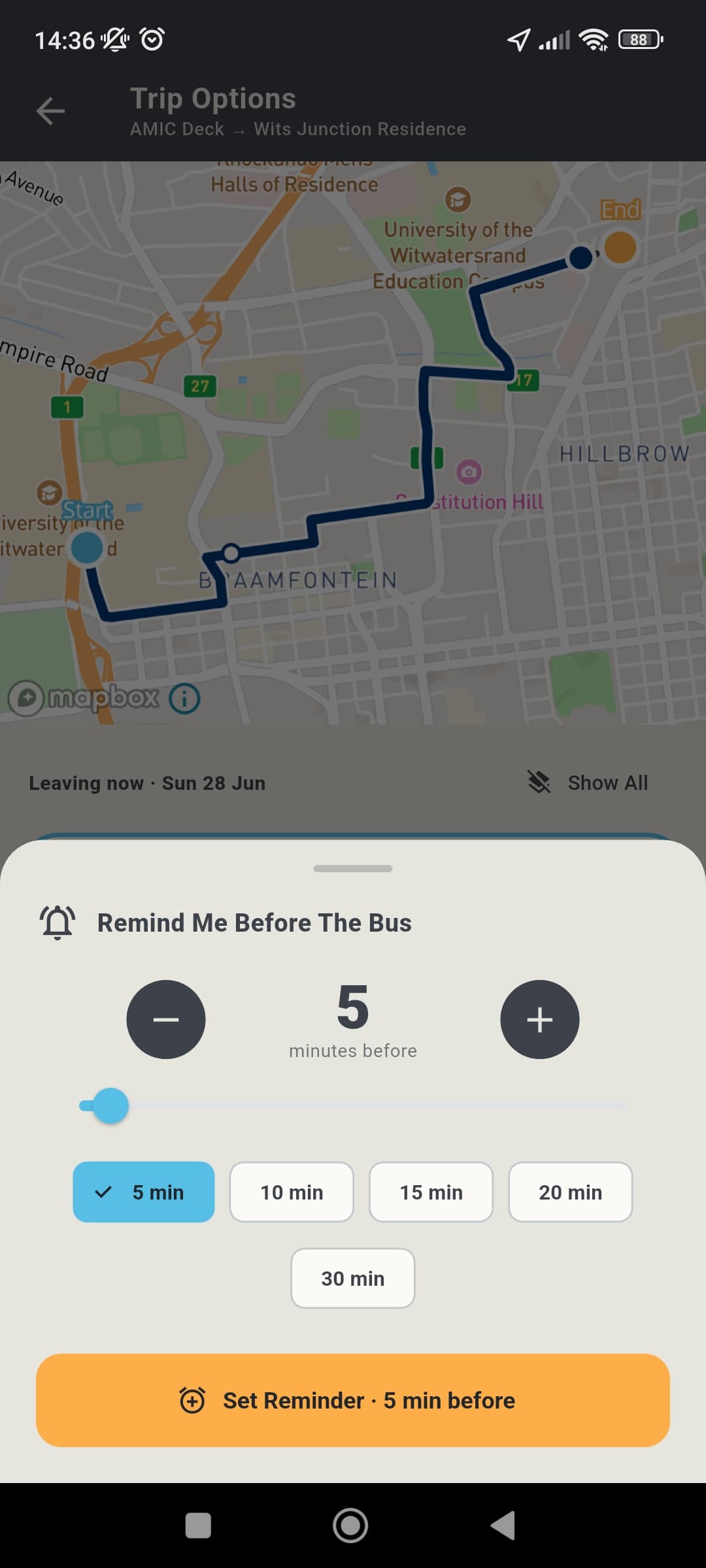
Set a reminder for five, ten, fifteen, twenty or thirty minutes before departure.
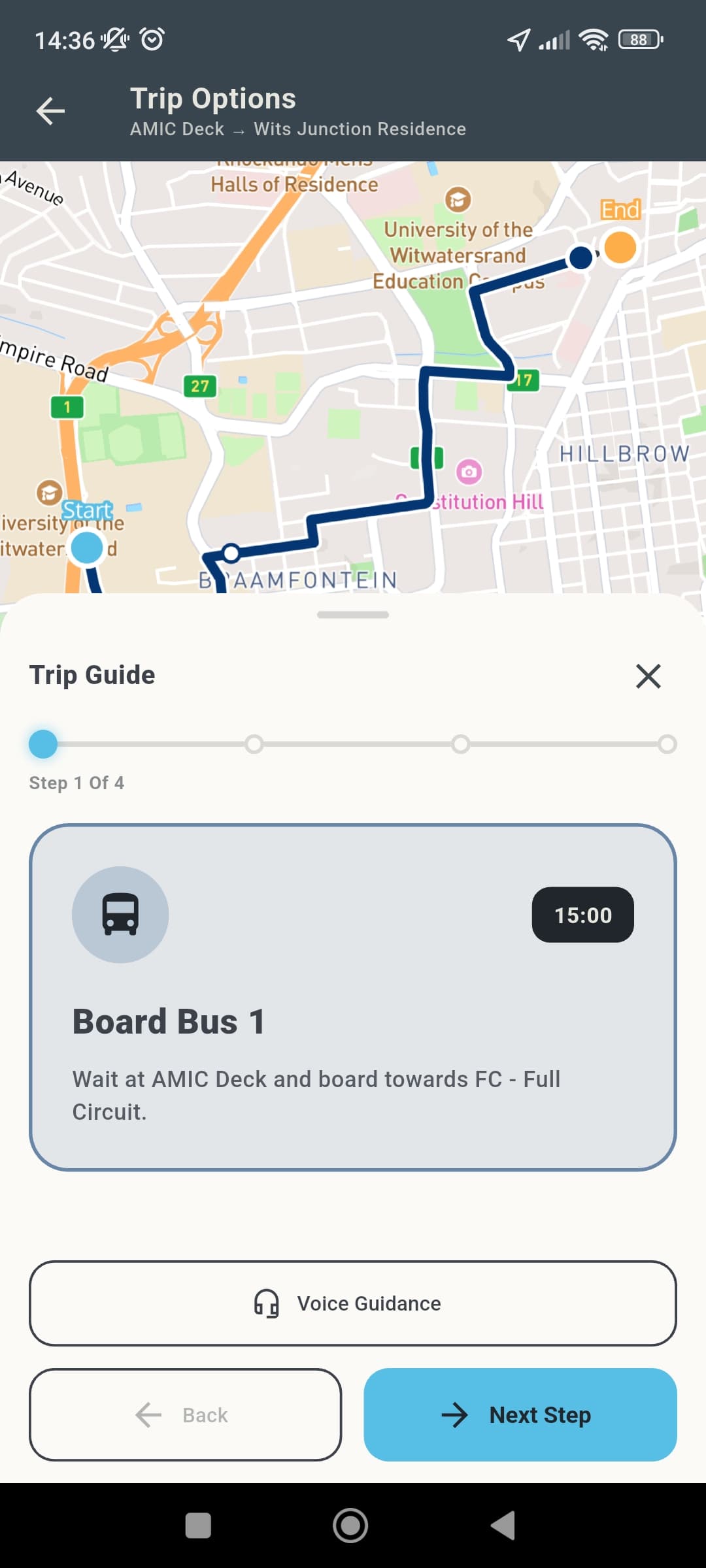
Follow simple step-by-step guidance from boarding through the final walk.
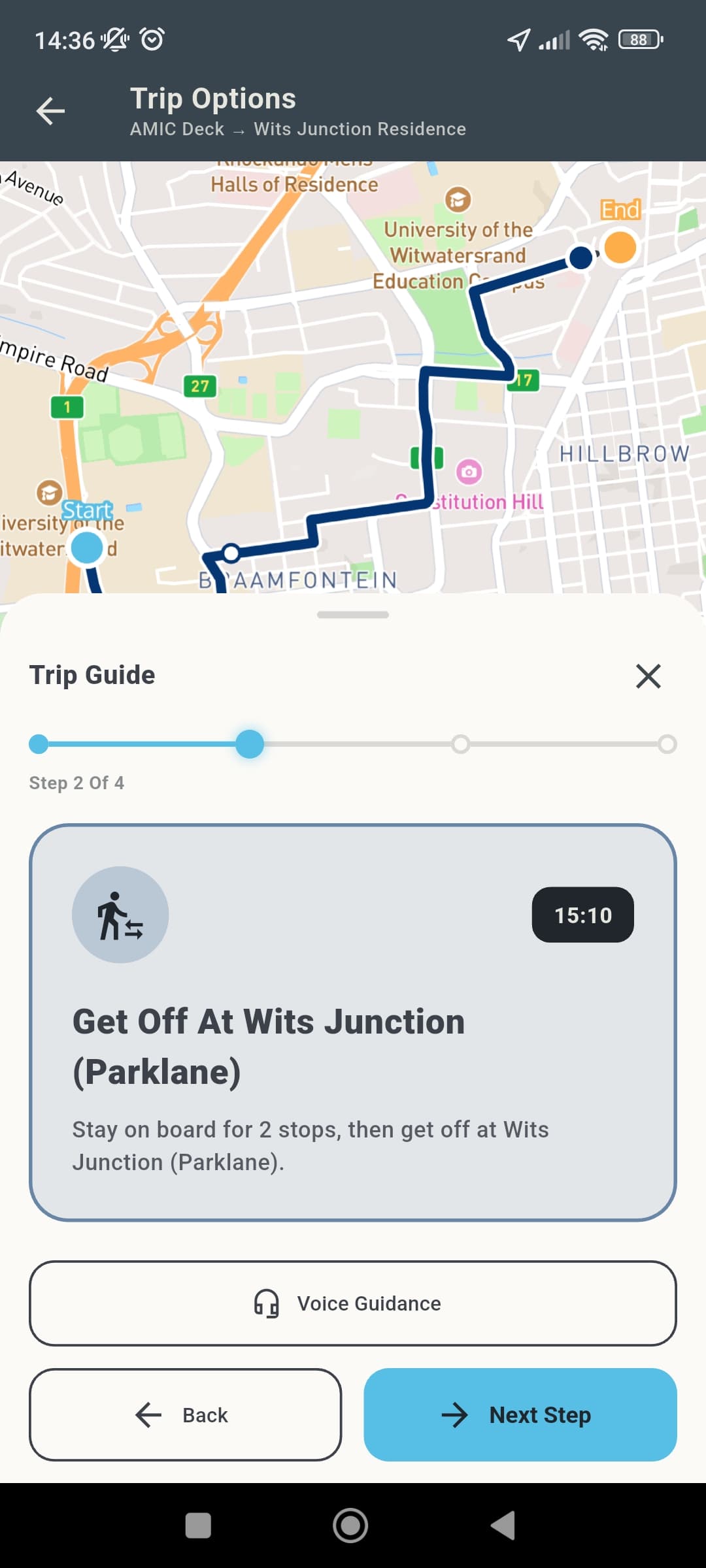
Move through each trip step with clear timing and route context.
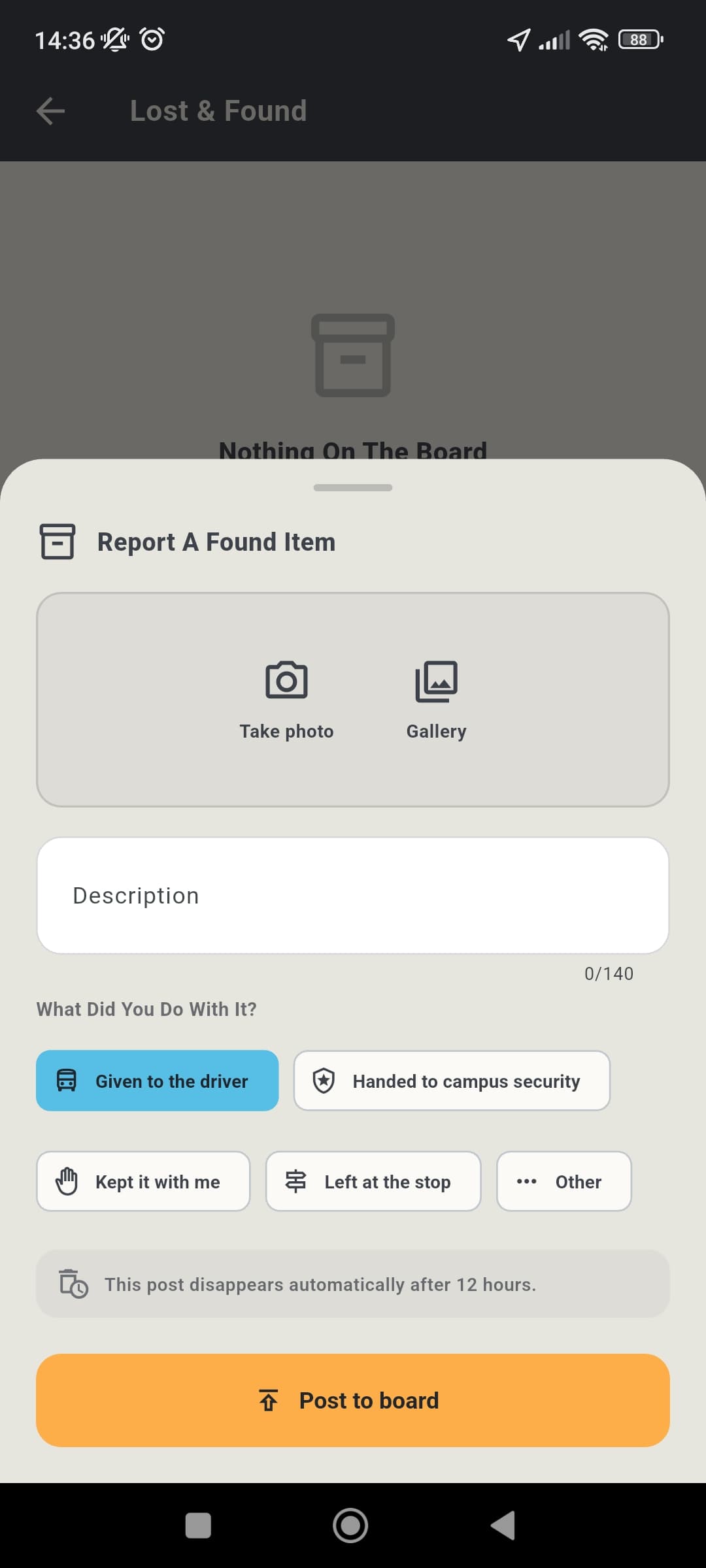
Report found items with a photo, a note and where the item was handed in.
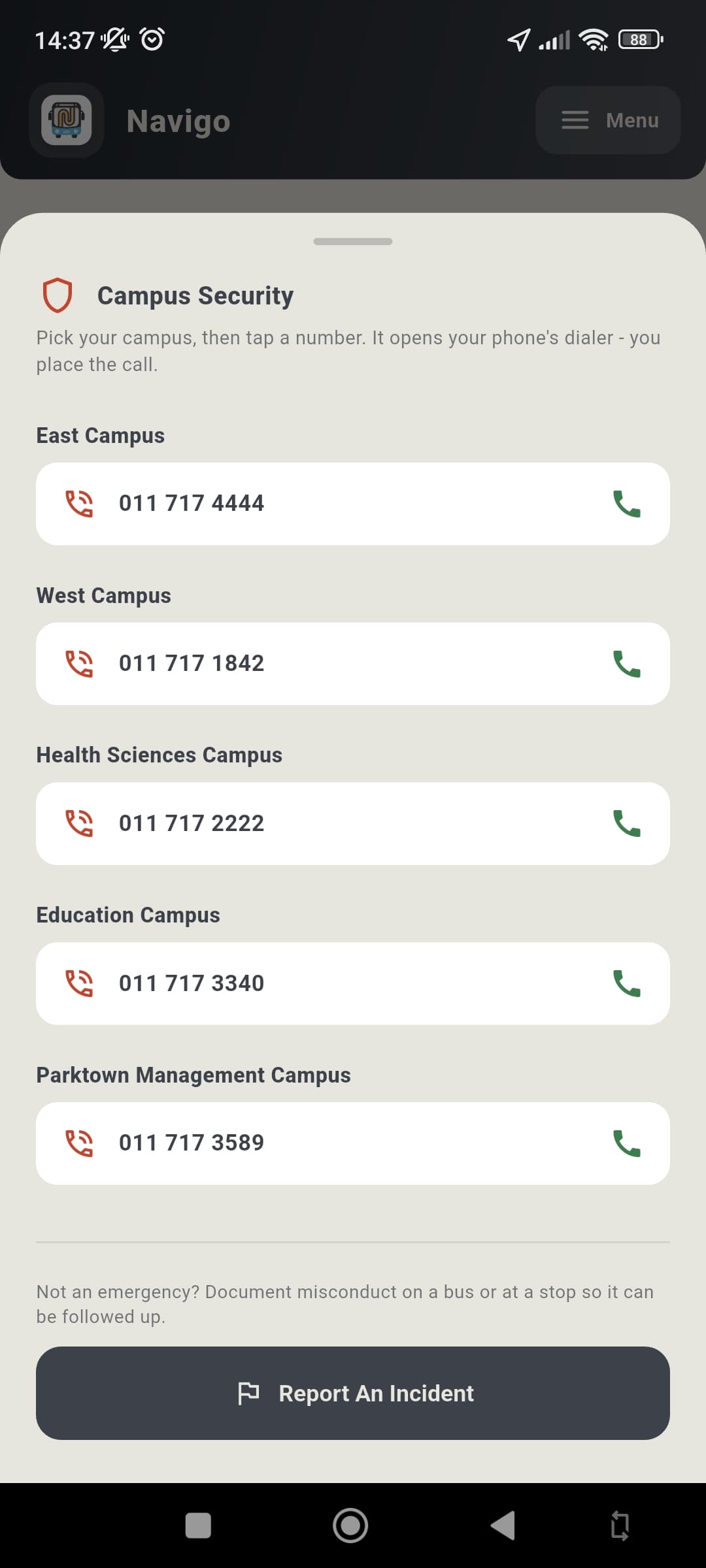
Call the right campus security number or report an incident from the app.
Everything in one app
Navigo bundles the whole shuttle experience — planning, reminders, alerts and safety — into a single, fast, offline-first app.
Door-to-door multi-leg routing across every campus shuttle, ranked by Fastest, Less walking or Fewer transfers. The whole network solves in under a millisecond — no routing server, no waiting.
Timetables, routes and road-following map shapes live on your phone. Plan trips in a basement lecture hall with zero signal.
Pick how many minutes before departure to be nudged. Timezone-correct, survives reboots, and clears itself once the bus has gone.
Snap to the nearest stop and see exactly what's leaving next, sorted by walking time.
Delays and disruptions arrive as a push notification and a clear banner — colour-coded by severity.
Tap any option to isolate it on the map — ride legs trace the real street geometry, walking legs are dashed, with a full stop-by-stop timeline.
Lost your card or earphones? Post it (with a photo) or browse what others have found, right inside the app.
Call campus security straight from the dashboard whenever you need it — day or night.
How it works
No setup headaches. Sign in once and Navigo does the rest.
Enter your number and confirm the one-time code sent to your @students.wits.ac.za inbox. No passwords to remember.
Pick your start and destination, then choose Leaving now, Leaving at, or Arrive by — and your priority.
Compare options, tap one to see it drawn on the map with a full stop timeline, and set a reminder for before it leaves.
Get nudged a few minutes early so you're at the stop on time. It all keeps working even with no signal.
FAQ
Everything you might want to know before you hop on.
Navigo is built for Wits University students. You sign in with your student number and confirm a one-time code sent to your @students.wits.ac.za email — no password to manage.
Yes. Timetables, routes and the road geometry for every line live on your phone, so journey planning, nearby departures and reminders all work with zero connectivity. Only the live map tiles and shared service alerts need data — and you can pre-download an offline campus map pack for the dead zones.
Completely free for students. There are no ads and nothing to pay for.
Navigo is available now for iPhone on the App Store and for Android on Google Play.
As little as possible. Your trips are computed entirely on your device and never leave your phone. We only use your student email to sign you in. See our Privacy Policy for the full picture. Read the Privacy Policy.
The full campus shuttle network. Timetables are kept current in-app, so when the schedule changes, the routes update without you reinstalling anything.
You can browse the current Wits bus schedule, live shuttle times and a bus-schedule FAQ on our dedicated page — no install required, though the full journey planner and reminders only work inside the app. View the Wits bus schedule.
Download Navigo today and plan every Wits campus shuttle trip with confidence, even when you’re offline.
Questions or partnership ideas? admin@navigotransport.com